
Asus ZenFone Max Pro (M2) (ZB631KL) Flash file and how to ZenFone Hard Reset for forgot pattern, passcode, and soft brick solution This file can be downloaded for free on ZenFone Max Pro (M2)
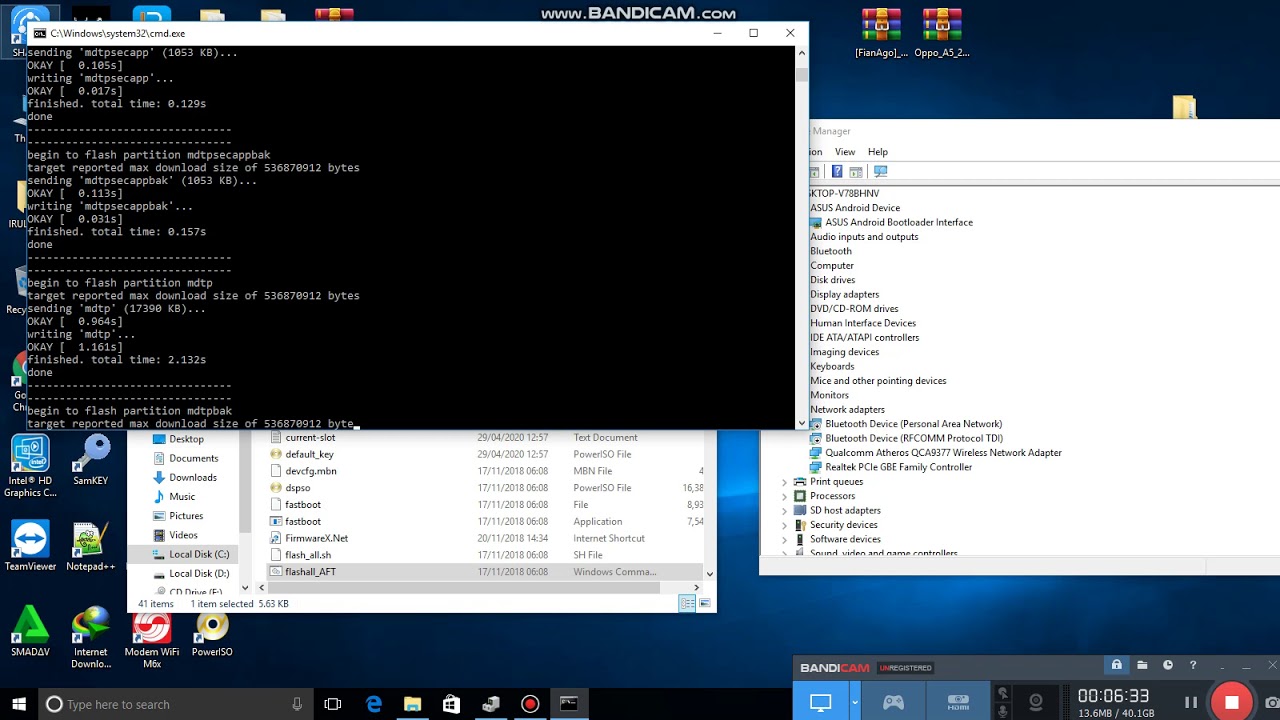
Free Download Official Firmware Asus Zenfone Max Pro (M2) X01BD / ZB630KL / ZB631KL to Unbrick, fix stuck on Logo, Screen Lock, Pattern Lock, FRP.
If I've already given you the Asus Zenfone Max Pro M2 X01BD ZB630KL Firmware, I'll give you the Asus Zenfone Max Pro M2 X01BD ZB630KL Firmware to fix all broken Software.
After a factory reset, Bootloop, Forgot Pattern, Forgot Password Lock, System error, FRP/Forgot Google Account, Most of the time, applications are stopped because they use too much memory or too many applications.
Flash Asus Zenfone Max Pro M2 X01BD ZB630KL / ZB631KL
Doing a factory reset can fix all the damage to the software, but if that can't be done or doesn't show any changes, the last option is to flash it. There are several ways to update the Asus Zenfone Max Pro M2 X01BD, such as using OTA, Fastboot, or EDL (Emergency Download), but I'm only going to talk about using Fastboot, and for the Tool, it already has firmware in the form of Flash all. cmd
How to Enter Flash Fastboot Mode
WW ZB630KL(ZB631KL) 15.2016.1902.192 20190226 Phone-user.raw.rar is the name of this file.
Type: Firmware Raw/Fastboot ROM OS: Windows 2000, XP, 2003, Vista, 7, 8, and 10
Size: 1.820GB
Downloads are free.
Time: 2019/02/26
Asus Zenfone max pro m2 flash file google drive link
Step Asus Zenfone Flasing
- Install the Intel USB Driver for Android and the Asus Flashtool.
- Open the Asus flash tool on your computer.
- Select ZenFone Max Pro (M2) (ZB631KL) X01BD / ZB630KL / ZB631KL from the model menu.
- Choose YES from the Data Wipe menu.
- Click the Icon Box and look in the for the file we just downloaded.
- RAW format
- Press Vol UP + Power until you get to the fast boot menu.
- When you connect the Asus to the PC with the Fast Boot setting, the Asus Flash Tool figures out the Serial Number type on its own. Example: DCWTC8141052 can be found by looking for the blue Logo and the serial number.
- Flash will start when you click Start.
- Most of the time, flashing will take between 5 and 10 minutes.
- If the flashing process is done, a message like the one below will show up. Asus will then restart and go back to normal.
0 Comments